



Blog
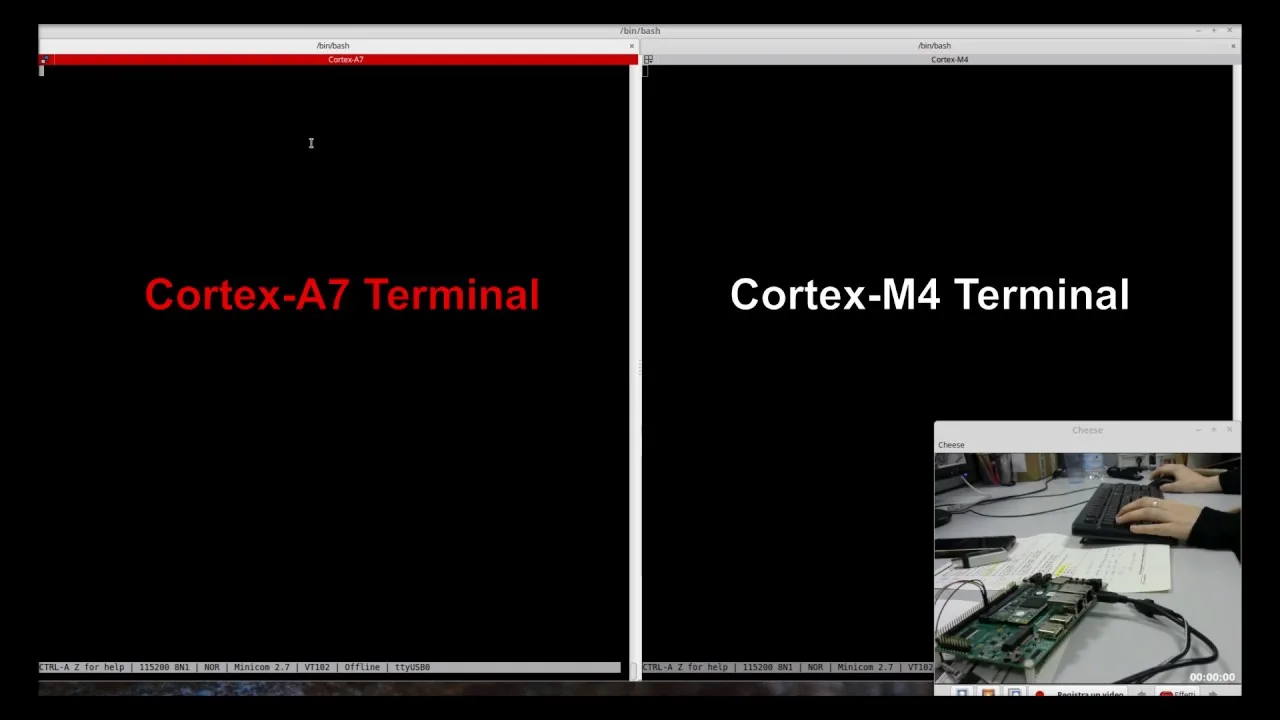
How to run a Ping-Pong demo app with Cortex-A7 and Cortex-M4 on i.MX7 System on Module
Sunday, 13 Aug 2017
| Pierluigi Passaro
Start working with the Cortex-M4 coprocessor on Variscite VAR-SOM-MX7 System on Module.

In this video, we will demonstrate how to run a classic Ping-Pong application with Cortex-A7 and Cortex-M4 by using the FreeRTOS.
For your convenience, all steps documented on our VariWiki page:
https://dev.variscite.com/var-som-mx7/RELEASE_FREERTOS_R01/freertos_for_m4_pingpong_demo/
For specifications and additional information visit the product page: VAR-SOM-MX7
Not sure if this is the right module for your project? Leave us a note and our team will suit you the best solution that meets your needs: contact us.

Sign up for our newsletter


 Join RSS Feed
Latest Posts
Software releases
Stay current with software updates – Keep your Variscite SoMs performing at their best with our latest software releases.

Newsroom

Adding TPM 2.0 to an embedded product usually starts with a hardware question: where does the security chip go? On Variscite’s i.MX-based modules, there is now another answer. Variscite and SecEdge are bringing SecEdge’s TPM 2.0 firmware, anchored in the processor’s own security hardware, to Variscite’s i.MX System on Module portfolio.
Blog
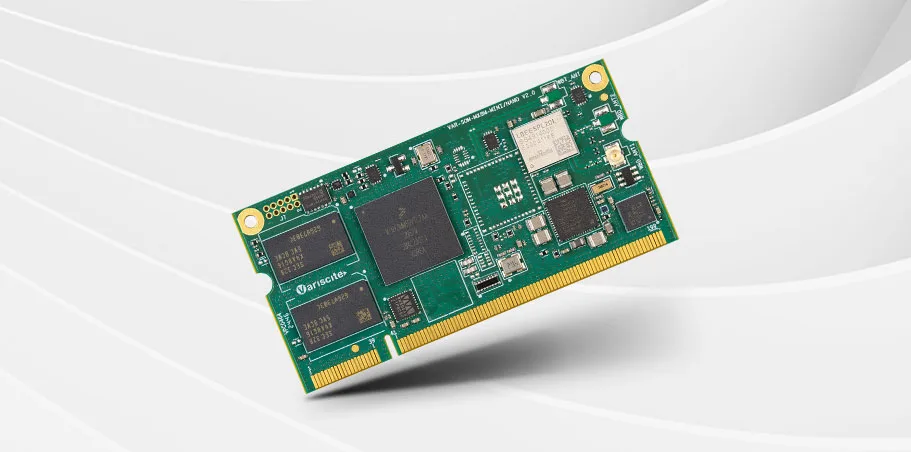
Pierluigi Passaro, Variscite’s R&D expert, introduces the VAR-SOM-MX8M-MINI and the VAR-SOM-MX8M-NANO – two cost-optimized modules designed for applications that require power-efficient processing, graphics capabilities, and real-time performance. Both SoMs are available with flexible memory, storage, and wireless configurations, allowing developers to pay only for the features they need.
