



Introducing C/C++ Development using Eclipse vs Visual Studio Code
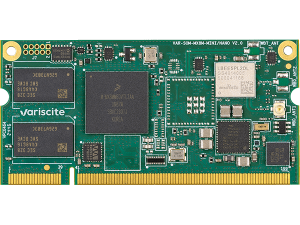
Have you seen our new wiki pages for C/C++ development using Visual Studio Code (VS Code) and Eclipse on our wiki website? Check out the following example pages for our iMX 8M Mini based platforms: Yocto Programming with Visual Studio Code and Yocto Programming with Eclipse.
Both guides provide a step-by-step process and examples for:
- Provisioning a new Ubuntu 20.04 host computer for development
- Installing the Yocto SDK for cross compiling
- Installing Microsoft VS Code or Eclipse
- Creating a new project
- Cross compiling the project
- Debugging the project using a graphical debugger
Which integrated development environment (IDE) should you use?
Both VS Code and Eclipse are powerful IDEs. They are both cross-platform, open-source and have a diverse library of extensions available.
Eclipse is built on Java and has been around for many years, as a result there is a lot of supporting resources and documentation available. Additionally, many derivative IDEs have been built on eclipse, such as NXP’s MCUXpresso IDE for ARM based MCUs. So, many software developers have experience developing using Eclipse and may have current or legacy projects built using Eclipse.
VS Code is a modern code editor built on Electron and node.js. As a result, it can run on a wide variety of operating systems and can even run in a web browser using code-server. One of VS Code’s most powerful features is the ability to do remote development. The remote development extension allows you to connect to a remote Linux computer (or powerful build server) from a Windows laptop, and develop, cross-compile, and debug applications on Variscite hardware as if you were native to the server.
To learn more about developing using Eclipse and using VS Code please visit our updated software wiki guides above. You may also find the following webinar interesting: “Getting Started Debugging C/C++ on Variscite SoMs using VS Code”.


 Join RSS Feed
Debian Bookworm 6.6.y_24.12-v1.2 for i.MX 8M Nano modules: VAR-SOM-MX8M-NANO


